NAfME BLOG
Unlocking Creativity in the Secondary General Music Classroom
The Background Music Project
By NAfME Member Lauren Reynolds
Creativity in a secondary general music class can feel difficult to structure. Without a set curriculum or traditional ensemble focus, teachers are often left searching for ways to engage students while still meeting the National Core Arts Standards. How do you guide students through the creative process in a way that feels authentic, modern, and student-driven? After a few years of struggling to find meaningful projects for my 7th and 8th grade general music classes, I knew I needed a change. I was looking for something that would challenge both my students and myself. That’s when the Background Music Project began to take shape.
Why I Used This Project
Like many educators who teach secondary general music, I found myself struggling to meaningfully incorporate the “creating” National Core Arts anchor standards into my classroom while keeping students engaged. I wanted something fresh that would allow my students to take ownership of their learning while exploring music in a modern and relevant way.
The National Core Arts Standards of “Creating” anchor standards emphasize three key areas:
- Anchor Standard 1: Generate and conceptualize artistic ideas and work
- Anchor Standard 2: Organize and develop artistic ideas and work
- Anchor Standard 3: Refine and complete artistic work
Project Overview
The solution came in the form of what I titled, Background Music Project, that combines video creation with digital music production.
Here’s how it worked:
- Step 1: Brainstorming
- This part only took one day for the students to decide the content of their video and an appropriate soundtrack and effects.
- Step 2: Soundtrack and Effects
- This took the majority of students about five class days to complete their soundtracks. This allowed them to compose original background music and sound effects to match their video. They joined my “class” on BandLab for Education and saved their progress on that website. More on BandLab later.
- Step 3: Video
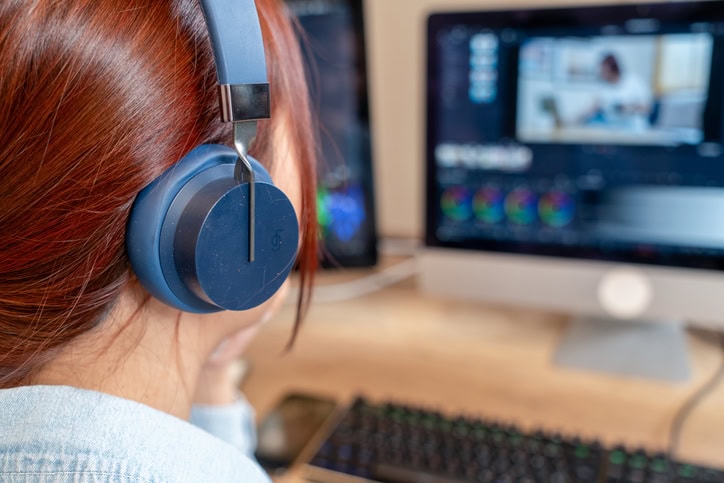
- Students create a 5-30 second video on a topic of their choice (school-appropriate, of course). Since they could not use cell phones at school, they sent their videos to themselves via email so they could access it on their chromebooks.
- Step 4: Adding music to video
- We used canva.com to add the background to the videos. This website was easy to navigate and upload videos and sound tracks. This step took one class day to complete. It is a very quick process.
- Step 5: Downloading
- Whenever students were ready to download their final projects, I asked them to let me know so I could help them. The best format for the soundtracks off BandLab is an MP3 file since canva.com supports that particular format. The final video with background music should be an MP4 file.
Overall, this project gave students complete creative control while also requiring them to think critically about how music enhances visual storytelling.
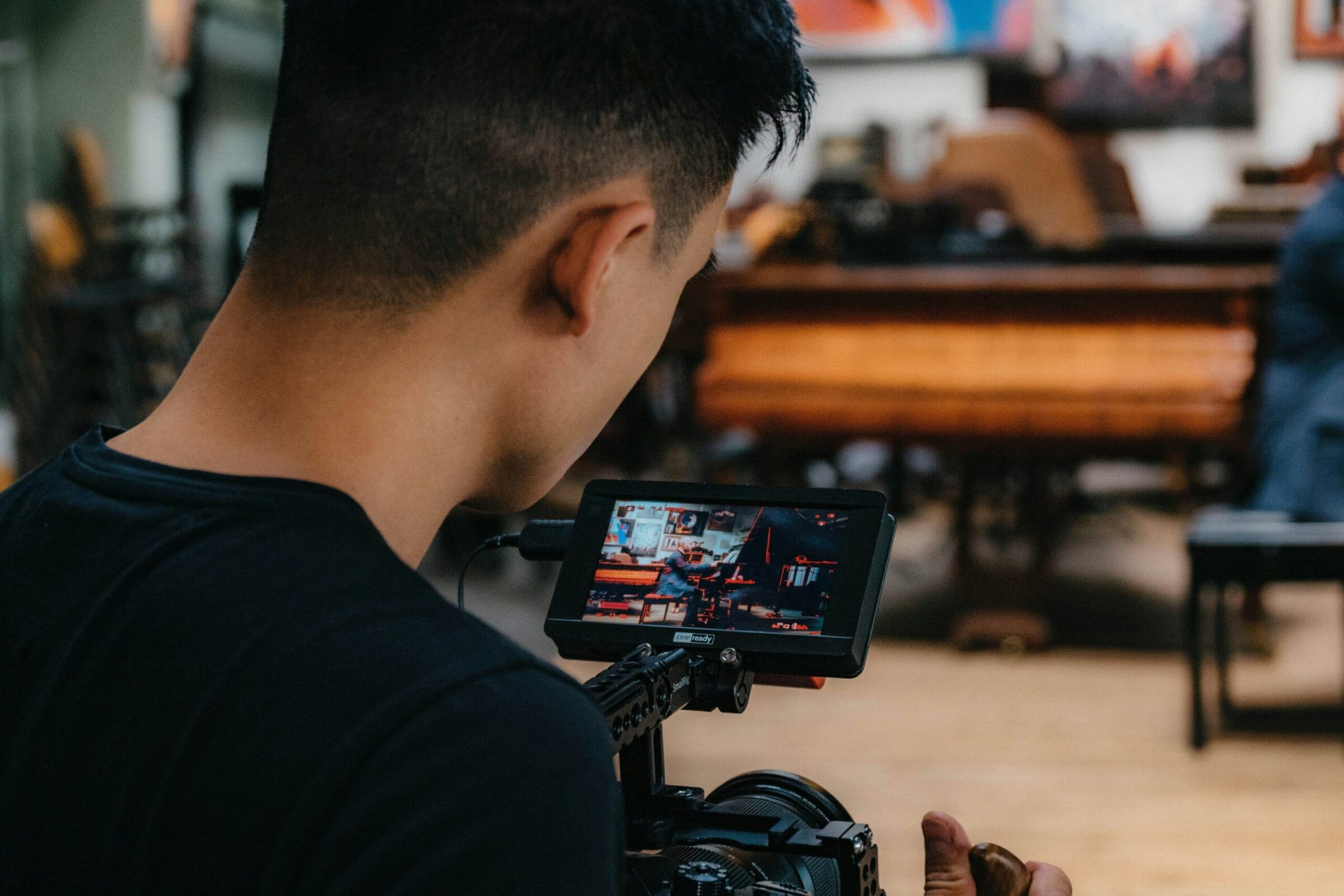
Photo by Danny Feng on Unsplash
Planning and Pacing
Due to a strange rotation schedule of my general music classes, I structured the project over a two-week period:
- Total time: 10 school days
- Final days: Dedicated to watching and celebrating student work together
This timeline proved to be just right. Students had enough time to brainstorm ideas, experiment with sounds, and refine their projects without feeling rushed. It also allowed for natural checkpoints where I could provide feedback and guidance.
Resources and Tools
A key factor in this project’s success was the accessibility of digital tools. Here is what I used:
- 1:1 Chromebooks: Each student had their own school-issued Chromebook with internet access.
- Bandlab for Education: Students joined a class that I created on this online digital audio workstation using a code, making it easy to manage their music and monitor their progress. Be sure to use Bandlab for Education and create a “class”. We ran into some issues with verification emails not coming through our school network.
- Canva: Website used for simple video editing. This is where students added their original music to their video file.
- Google Classroom: Our school’s learning management system where I shared all the resources and websites that the students would need. This is also where they submitted their completed projects.
These tools made the project both feasible and student-friendly, even for those with little prior experience in music production.
Student Feedback
My students embraced the challenge and had a lot of fun with it. When they submitted their project, I had them fill out a feedback form via Google Forms. It asked them what they liked about the project and if there was anything they would improve. Several students stated:
- “I loved making my own music and filming the video!”
- “It was fun to figure out how to use.”
- “We were able to use our imagination.”
In regards to improvement, I also asked them if there was anything they could change about the project. The majority of student responses were that they wished they could use longer videos. Don’t be afraid to ask for their input!
Photo: athima tongloom / Moment Collection via Getty Images
Final Thoughts
Be sure to celebrate with the class by watching the projects together. We had a “movie day” when everything was submitted and the students loved it! This project reminded me that sometimes the best teaching moments come from taking risks. By stepping outside my comfort zone, I was able to create an experience that not only met academic standards but also sparked creativity and excitement in my students.
About the author:
NAfME member Lauren Reynolds is in her eighth year of teaching band, choir, and general music at the secondary level with prior experience at the elementary level. She holds a Bachelor of Music Education from Arkansas Tech University, is currently pursuing a Master of Music Education from the University of Central Arkansas. She is passionate about finding innovative ways to engage students in meaningful musical experiences.
Did this blog spur new ideas for your music program? Share them on Connect! Interested in reprinting this article? Please review the reprint guidelines.
The National Association for Music Education (NAfME) provides a number of forums for the sharing of information and opinion, including blogs and postings on our website, articles and columns in our magazines and journals, and postings to our Connect member portal. Unless specifically noted, the views expressed in these media do not necessarily represent the policy or views of the Association, its officers, or its employees.